How to Activate your Cheers VIP status

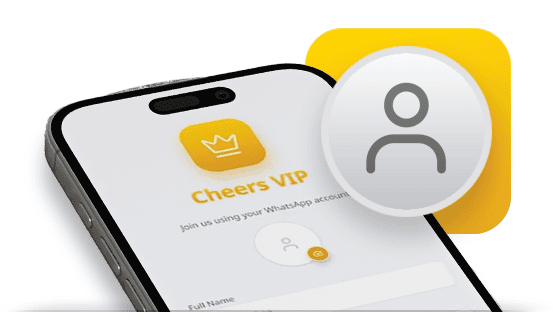
2. Create Account
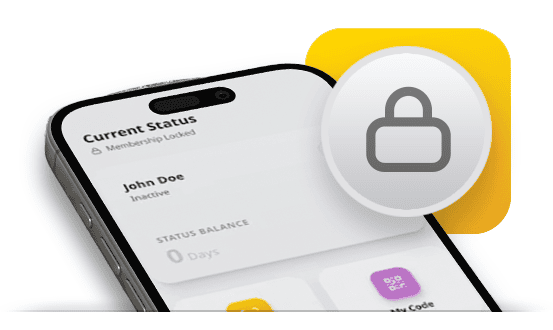
3. Scan & Activate VIP

4. Enjoy VIP Benefits
VIP status in invite only, QR activation is single-use, time-limited, and subject to the Cheers VIP Terms & Conditions
How to achieve Cheers VIP Status
VIP is invite-only. Earned through loyalty & unlocked with a unique activation QR from our curated brand partners.
VIP Status is invite-only because it’s built around quality, not quantity. We partner with a carefully curated selection of trusted brands thats often niche, high-quality suppliers with loyal customer bases. We reserve VIP access for customers who genuinely value those brands.
Our mission is to connect these quality brands & businesses with their most loyal supporters, creating an exclusive relationship that rewards real customers with meaningful discounts and special offers.
If you receive an invite, you’re part of that inner circle.

Disclaimer: The Cheers VIP program is operated by Fulfillment FZCO. Advanced Machinery (Pty) Ltd is a licensed operator of the program and offers discounts to all active VIP members. We also have the discretion to approve VIP memberships; however, such approvals may be withdrawn at any time without notice. As a result, the above VIP status activation code may become invalid without prior notice.
Frequently Asked Questions
Got questions about Cheers VIP? No stress — here are the most common questions about invites, activation QR codes, expiry dates, and what to do if something doesn’t work as expected.
How do I get a VIP invite?
Cheers VIP is invite-only. Invites are shared through selected brand partners and campaigns, and are reserved for loyal customers who love quality, curated brands.
Where do I scan the VIP Activation QR?
Open the Cheers app, tap the 🔒 lock icon, and follow the in-app steps to scan your VIP Activation QR code.
Why does my QR say expired or invalid?
VIP Activation QRs are time-limited and single-use. If your code has expired, was already used, or doesn’t match the activation flow, it may show as invalid.
Can the QR activate more than one account?
No, each VIP Activation QR can activate one account only and can be used once.
What if my phone can’t scan the QR code?
Make sure the app has camera permission, clean your camera lens, and try scanning in good light. Also ensure you’re scanning from inside the Cheers app (not your phone’s camera app).